Print-shop ready
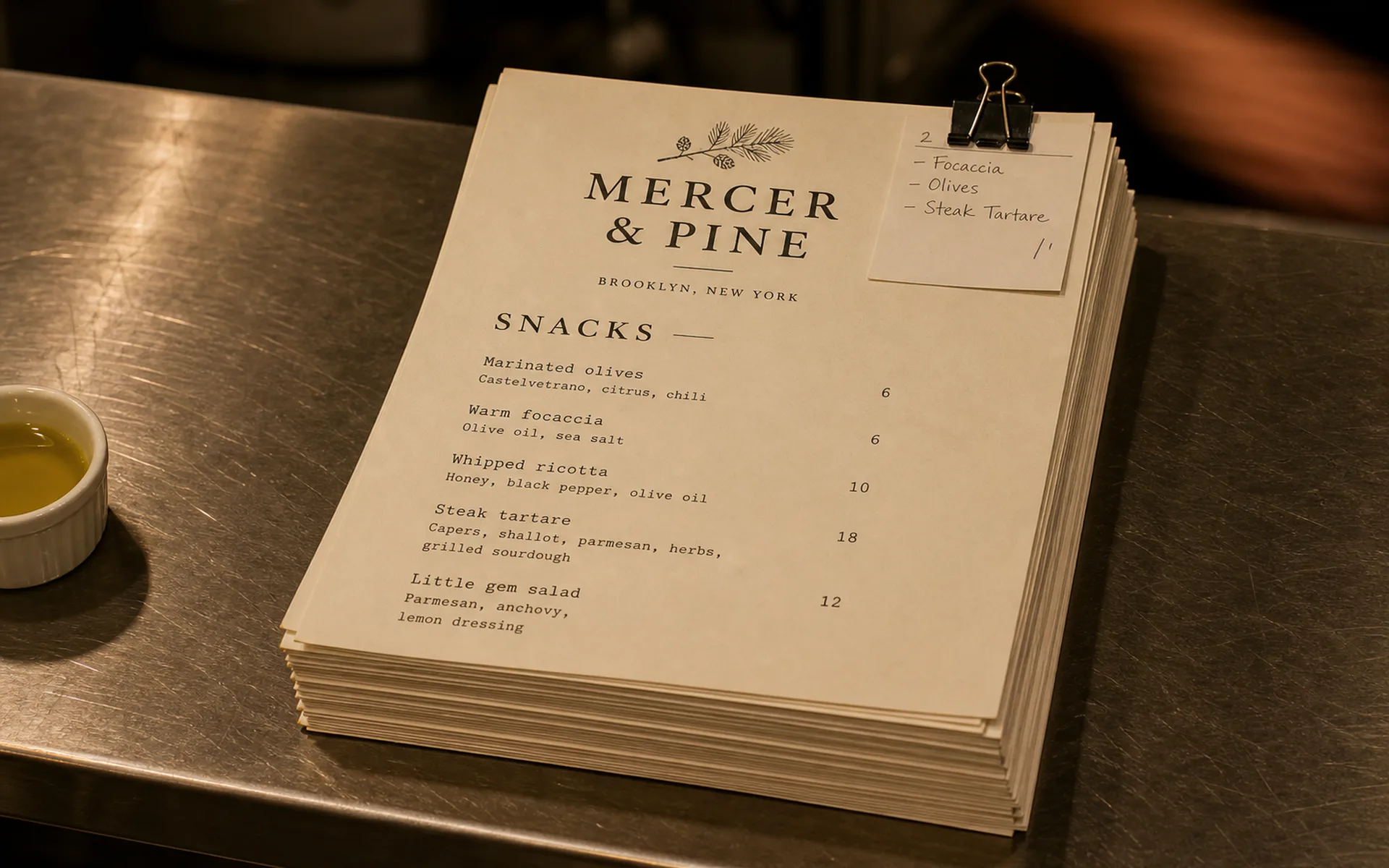
PDFs are exported with proper bleed, embedded fonts, and CMYK-friendly tones — no surprises at the printer.
Restaurant menu PDF
Export print-ready PDFs straight from Carte. Crisp typography, accurate margins, and standard paper sizes — no design tool required.
What you get
PDFs are exported with proper bleed, embedded fonts, and CMYK-friendly tones — no surprises at the printer.
A4, US Letter, A5 inserts, and tall menu cards — all available without manual setup.
Font pairings, leading, and tracking are tuned per template so the printed page feels considered, not assembled.
Sections never break across pages mid-item. Long menus reflow into clean spreads.
Hit publish, get the PDF. No screenshot, no manual formatting, no after-hours fights with InDesign.
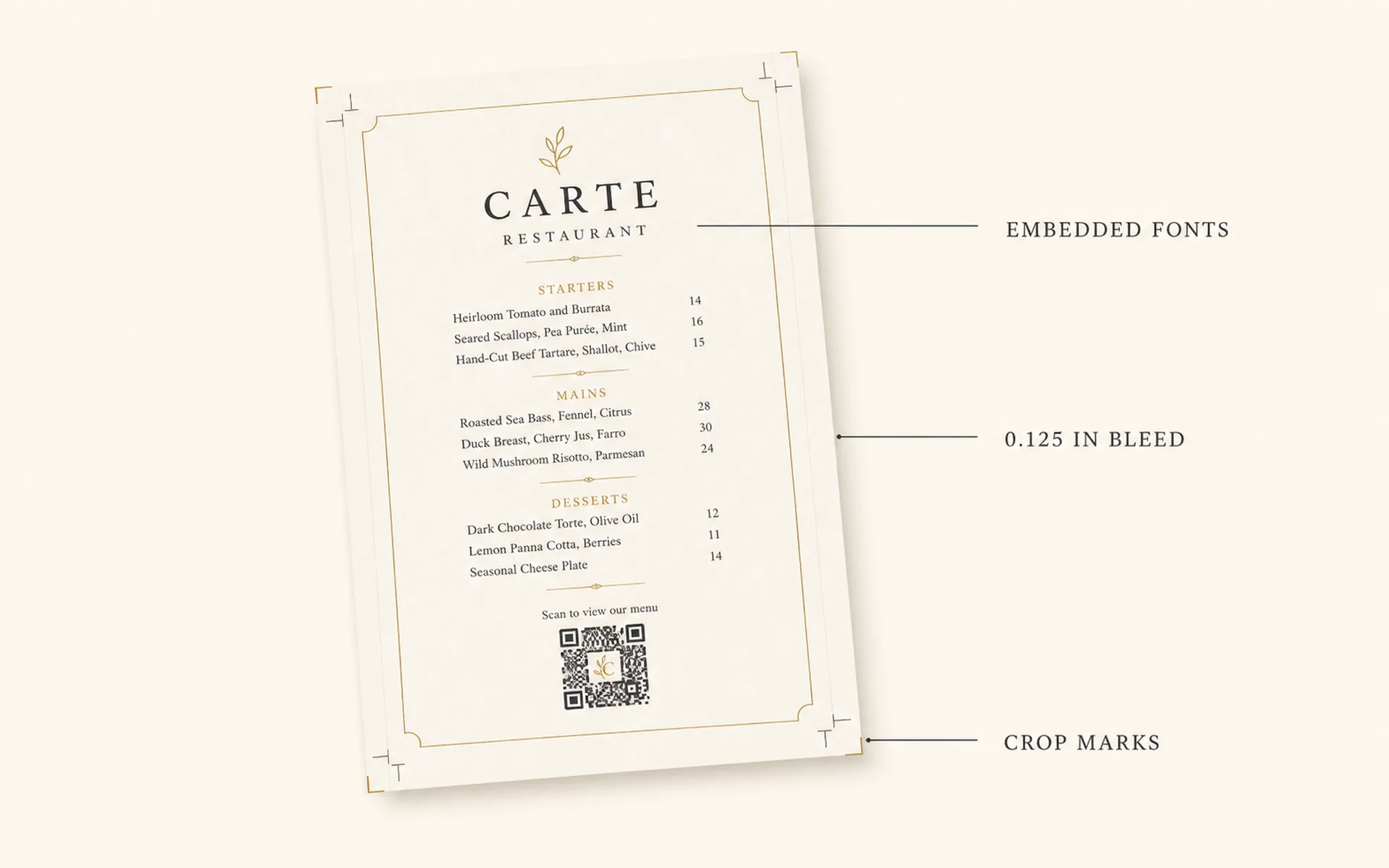
Bi-fold, tri-fold, and single-page formats. Crop marks included so the print shop knows exactly where to trim.
Designed for the page
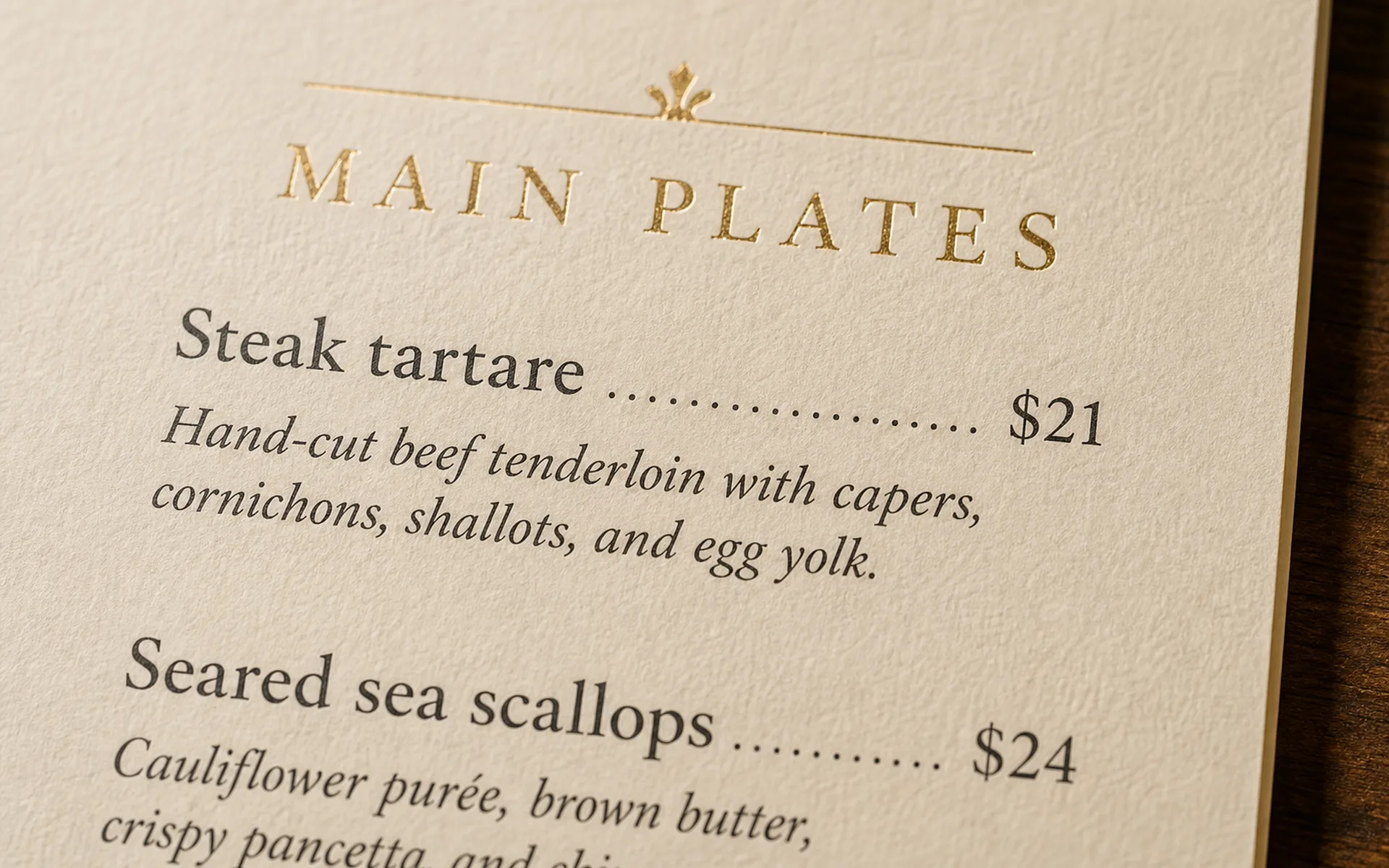
Each template uses font pairings and leading tuned for paper, not just for screens. The result is a menu that feels considered in the hand.
Section headers, prices, and dish names line up the way a designer would arrange them — not the way Word does.
Built for the print shop
Hand the PDF to any commercial printer and they can run it as is. No back-and-forth about resolution, color profile, or which font you used.
Or send it straight to the office printer for a quick run before service.
One source, three outputs
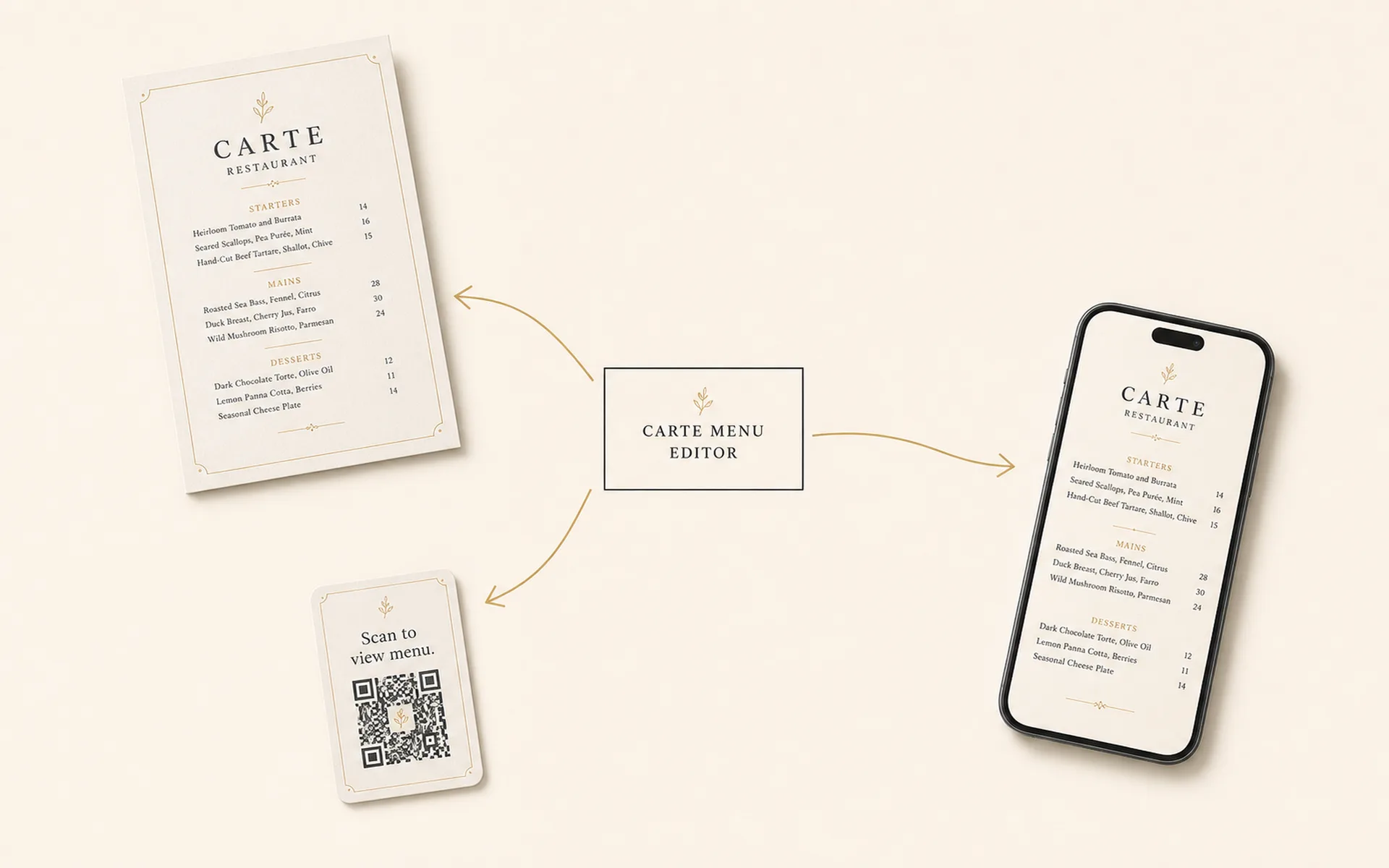
Each publish renders a single canonical menu into three siblings: a print-ready PDF, a mobile-friendly hosted page, and a branded QR card. They're produced from the same source at the same moment, so there's never any drift between them.
For the next season, fork the menu into a new draft and publish a fresh edition. You'll get a new PDF, a new live link, and a new QR — all in one publish.
A4, US Letter, A5, and tall menu cards (e.g., 4x9 in / 102x229 mm) are available out of the box. Custom sizes are on the roadmap.
Yes. Fonts are embedded, bleed and crop marks are included, and the file is exported at print resolution. Hand it to your printer or send it to your office printer directly.
The PDF is text-based, not flattened, so a print shop can tweak it. The cleaner path is to fork the menu in Carte, edit, and publish a fresh edition — that re-exports a new PDF along with a new live link and QR.
Yes. Both the PDF and the live mobile menu are rendered from the same canonical source at the moment you publish — so item names, prices, and descriptions are always identical. Layout adapts per format: print and screen each get a layout designed for them.
Most one-page menus land between 80 KB and 250 KB. Multi-page menus stay under 1 MB. Light enough to email, share, or upload to a delivery aggregator.
Draft as many menus as you want for free. Publishing unlocks the PDF, the QR, and the live link.