Morning, all-day, evening
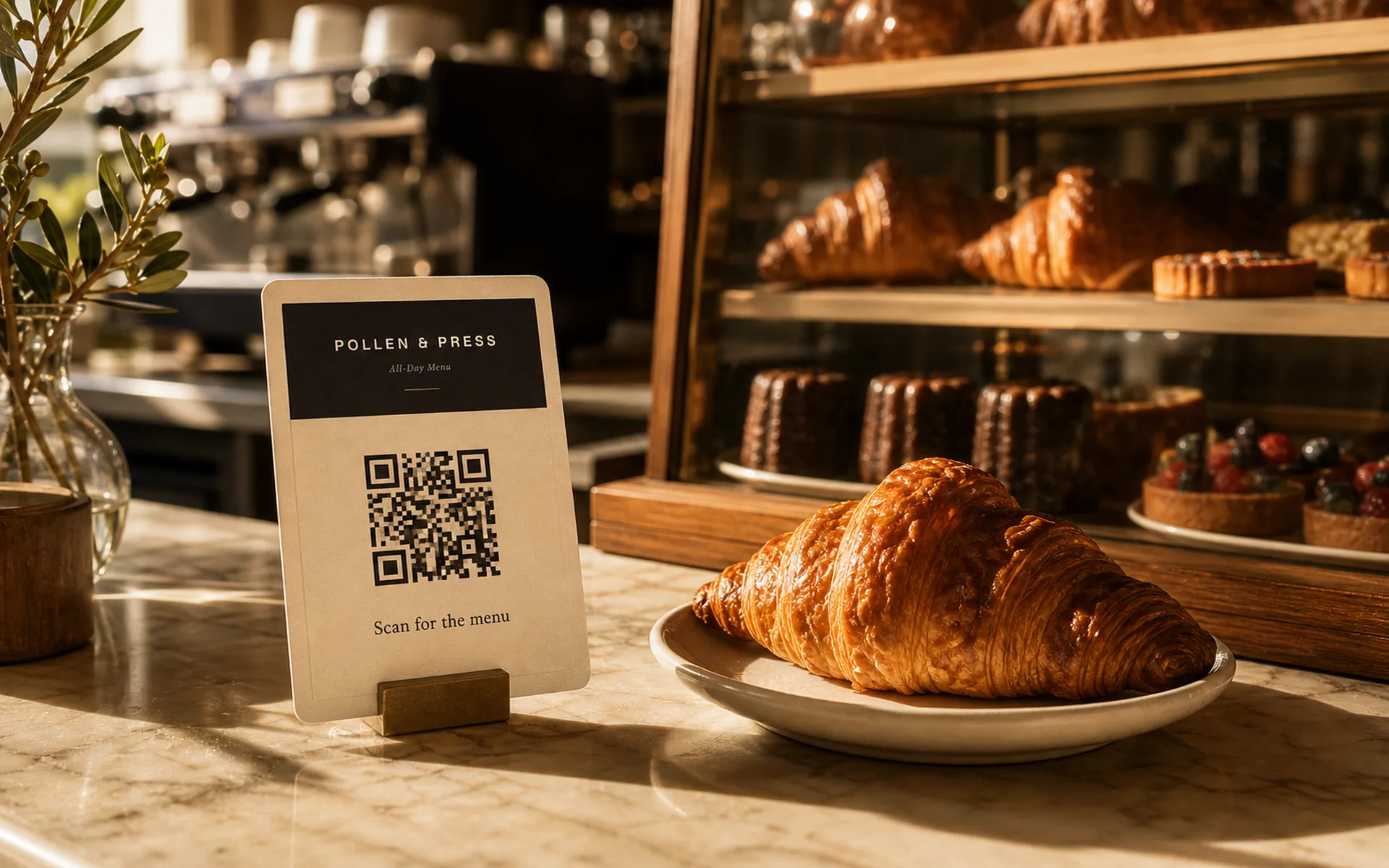
Cover dayparts by publishing distinct menus — one for breakfast, one all-day, one evening — each with its own QR card.
Cafe menus
A menu that reads as well on a chalkboard as it does on a phone. Publish a fresh edition each season — bean rotation, new pastries, new sandwich, all styled together.
What it covers
Cover dayparts by publishing distinct menus — one for breakfast, one all-day, one evening — each with its own QR card.
Sections built for the rhythm of a cafe: espresso, brew bar, pastry case, sandwiches, sides.
Cafe-specific section structure means the pastry case never gets crammed into a generic 'food' list — it gets its own moment on the menu.
Each published edition can pin a Specials section — features for the week or the season, written and styled with the rest of the menu.
Drafting a refresh fits in the gap between morning rush and lunch. Fork the previous menu, edit, publish a new edition.
WCAG-grade contrast, 16px+ type, and clean section anchors so guests can scan in a sunny window seat.
Sample menu
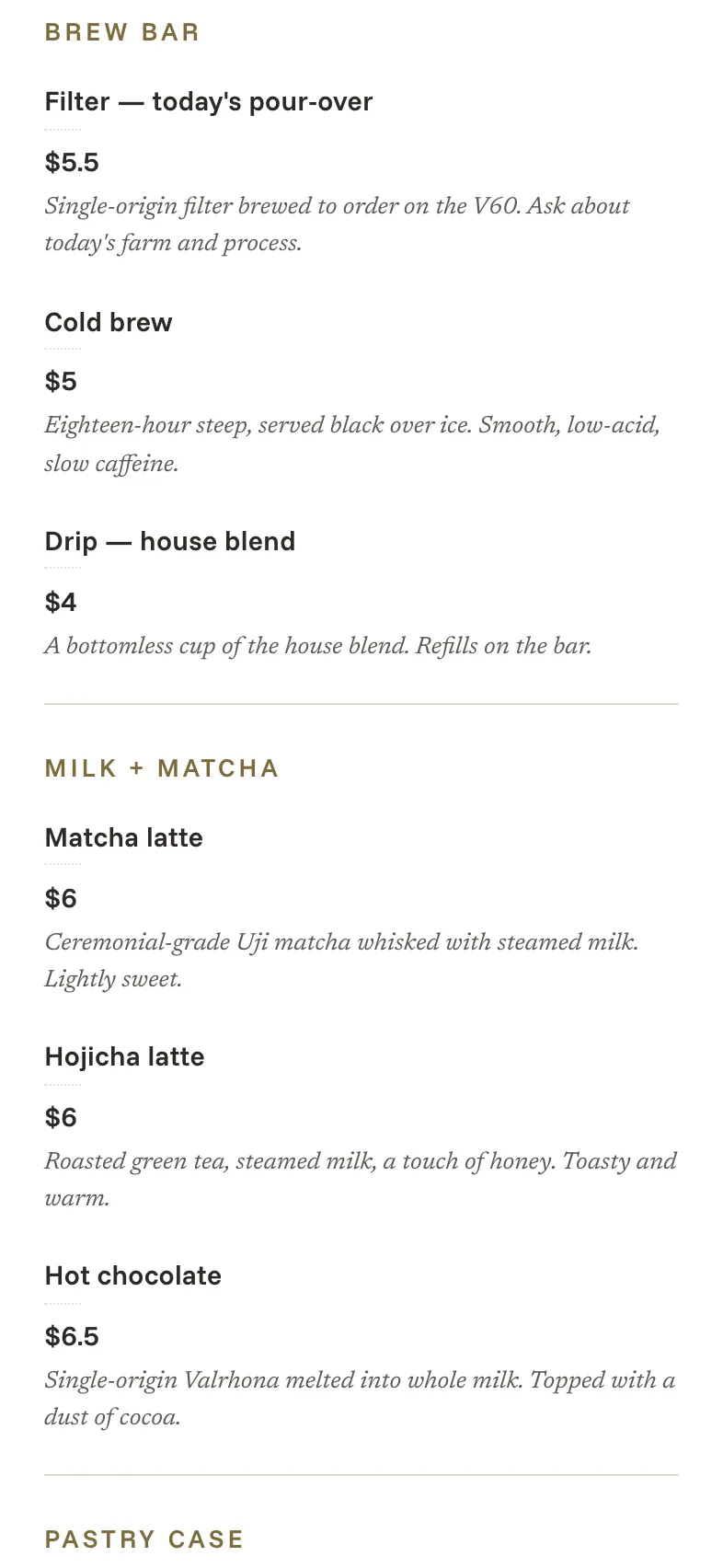
Espresso bar, brew bar, milk and matcha, seasonal drinks, pastry case, sandwiches, sides — sections that match how guests actually order at the counter.
Carte's templates ship with these defaults, so you start from a real menu, not a blank screen.
A fresh edition each rotation
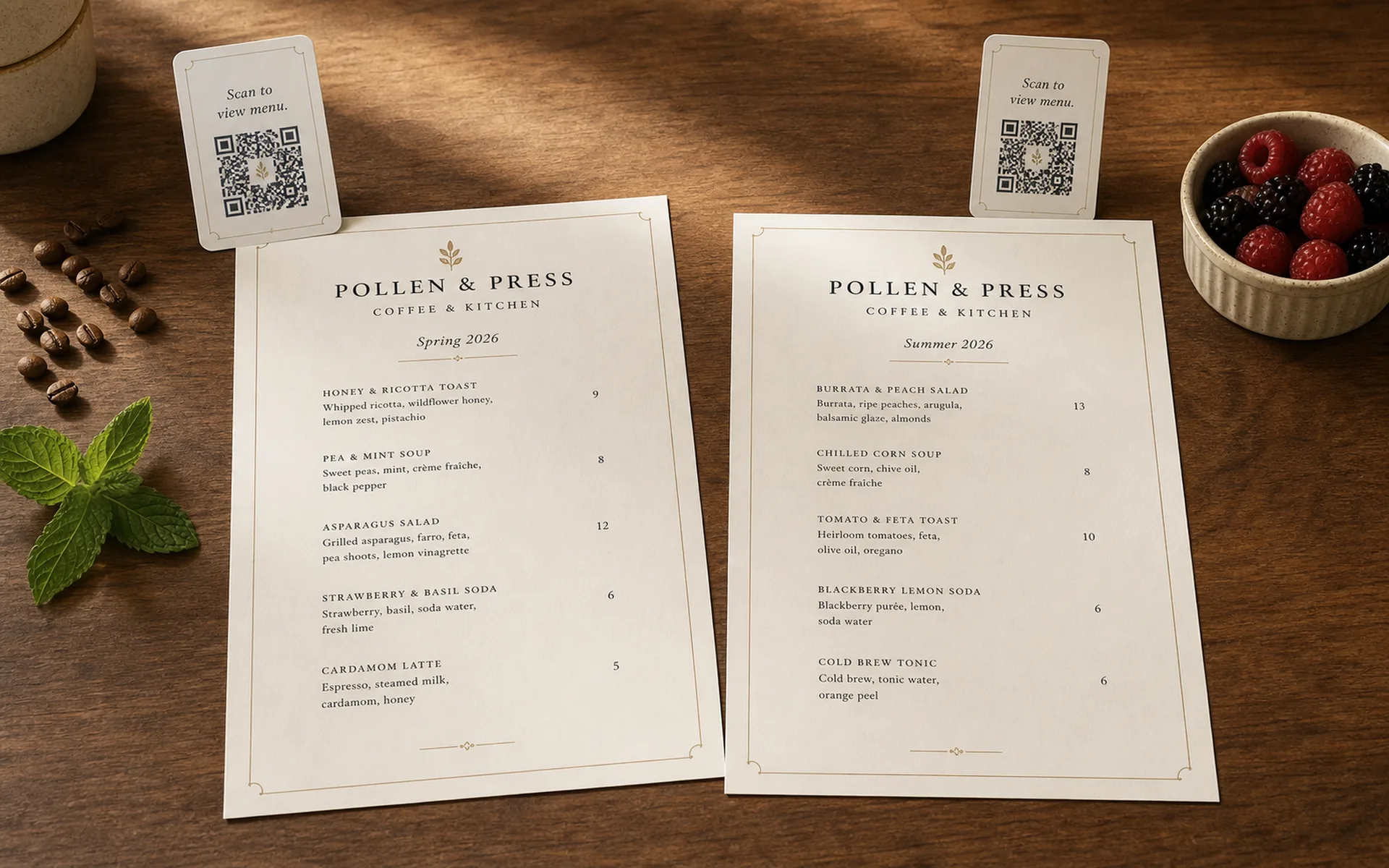
When the spring bean lands or the new sandwich joins the case, fork your last menu and chat with the AI design partner about the changes — *"swap the autumn drinks for spring,"* *"add a hot honey biscuit to the breakfast section."* The agent handles the edits in place; you sit with it as long as you need.
Publish the new edition when it's right. Print fresh QR cards for the counter — the previous edition stays always live on its own URL, useful for archives or guests who scan an older card.
From counter to print
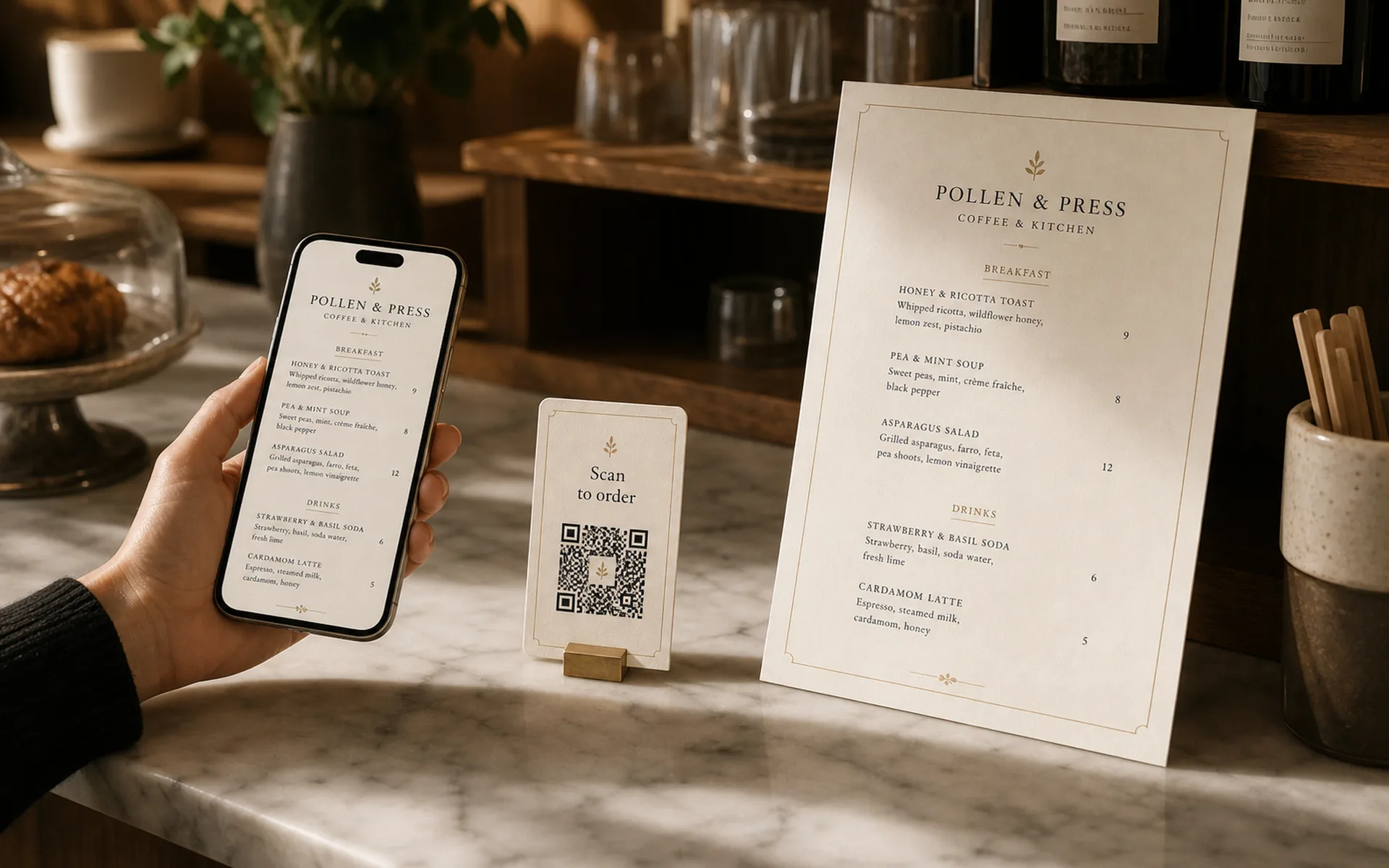
Each publish renders a hosted link, a QR card for the counter, and a printable PDF for the menu board or window display — from the same canonical source, in one go.
Pick a format that fits each surface. They never drift, because they're rendered together at publish time.
Yes. Publish a morning menu and an evening menu as two separate menus, each with its own QR. Or use one menu with sections that swap based on time — your call.
Every published menu exports as a print-ready PDF in standard sizes. Run it through your office printer or hand it to a print shop — the typography is tuned for paper.
Carte is built for independent operators. There is no per-seat or subscription pricing — you pay $4.99 each time you publish a menu. Drafting and editing are unlimited and free, so most cafes only publish when something material changes (bean rotation, seasonal menu, new sandwich).
Yes. Each location can have its own menu with shared core items. Publish per location to get a unique QR and PDF for each cafe.
Yes. Each item supports allergen and dietary metadata that renders inline on the live menu and on the printed PDF.
Draft for free. Publish a polished menu when you are ready.